(with optional support for the ZAI GLM Coding Plan)
Remote Claude Code Web UI
I'm sure you, just like me, are absolutely blown away by what AI can do and how much we can achieve in such a short amount of time!
Tools like Claude Cowork or Codex desktop apps have unlocked fantastic possibilities for what's actually achievable with AI. You can juggle multiple projects, each with its own files and specific AI “skills,” making it super easy to work on long-term goals.

The best part? You don't even need to be a programmer to use AI effectively for your tasks. No more messing around with the command line or clunky console apps! Even as a professional software engineer myself, I really appreciate the comfort of a nice, clean visual interface to manage my projects.
But here's the catch — at least for my lifestyle. I work on a laptop. I'm constantly opening it, closing it, tossing it in my backpack, and moving around the city. When I do that, connecting to my AI projects from my phone is impossible.

These desktop tools have one major limitation: they only work when your computer is awake and running. Sure, they let you access your setup from your phone, but the second your laptop goes to sleep, you're locked out.
I found this super frustrating. That's why I decided to set up the exact same Claude Code experience, but hosted on a remote server. Now, all my projects and files live there, wrapped in a beautiful, easy-to-use web interface.
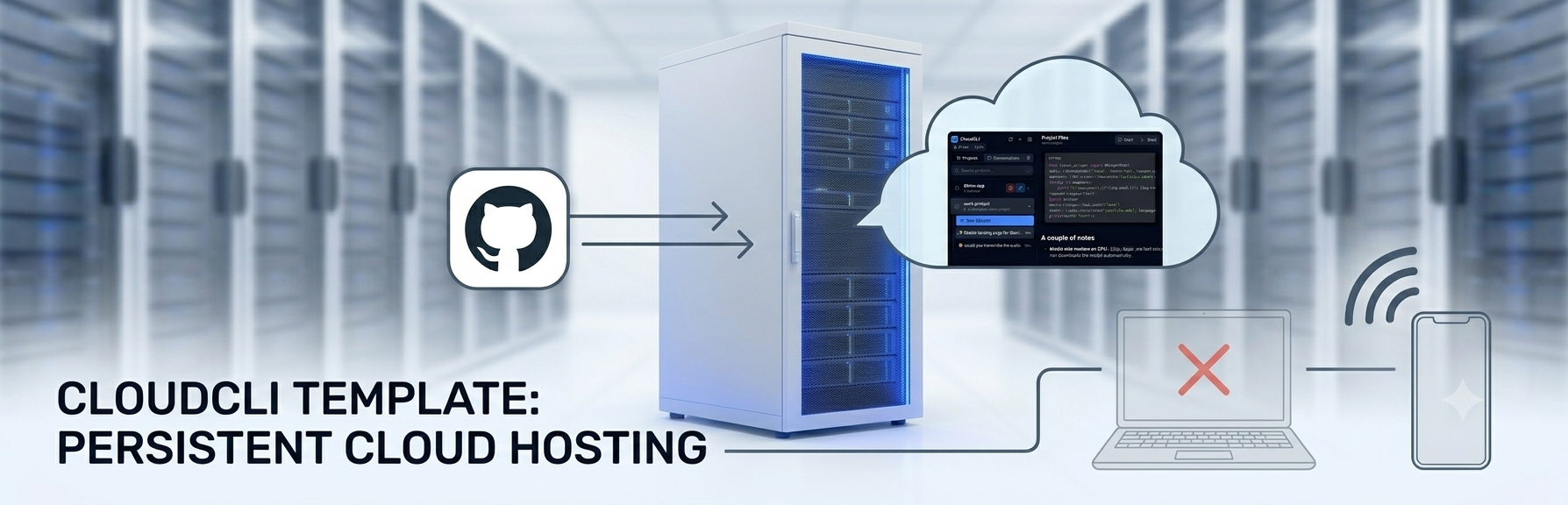
My laptop can stay happily asleep in my backpack, and I can still build and manage my projects right from my mobile phone, wherever I am!
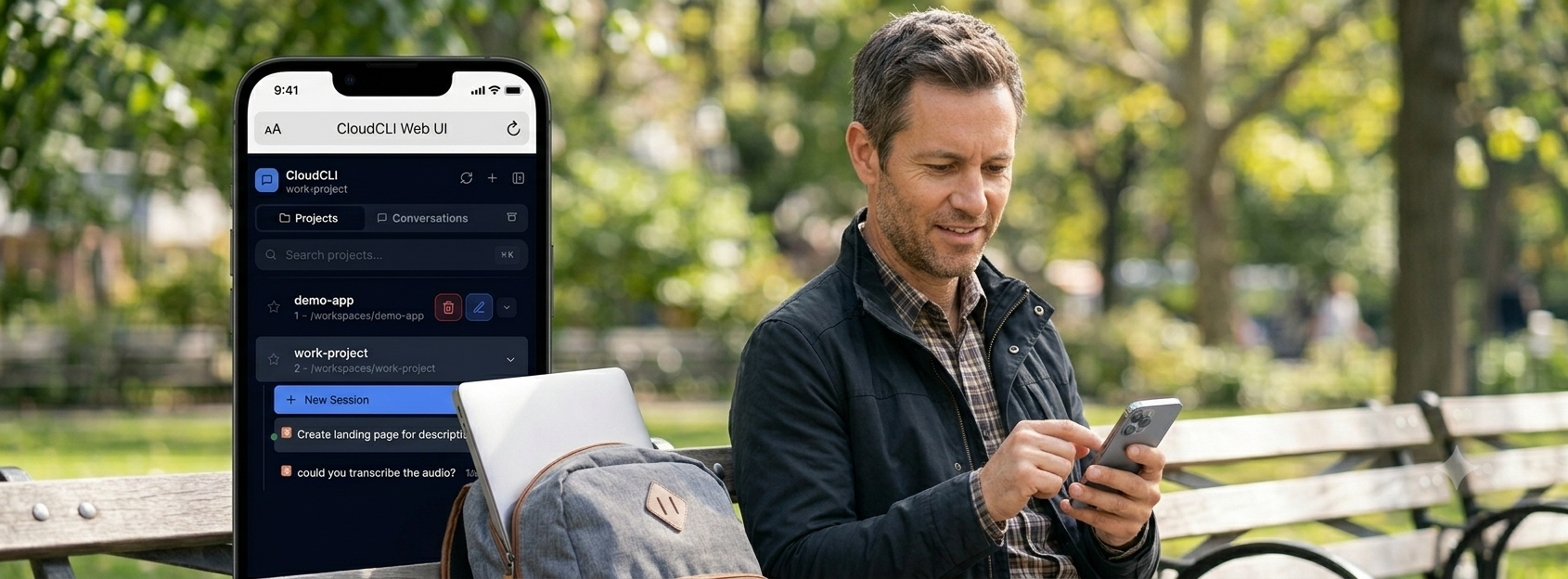
Work the way that suits you
Stay in sync with GitHub
Thanks to GitHub, your files stay synchronized between your computer (in Claude Cowork or Codex) and your server. Edit locally or on the server — everything stays up to date.
Telegram + web, whichever you need
Connect Telegram to your remote Claude Code and use the interface that fits the moment: the web UI for reviewing and editing files, browsing file history (when it's in git), and switching between projects and sessions — and Telegram for confirming an action or sending a quick message.
Bonus #1: Massive Power, Lower Costs! 💰
As part of the consultation, I can also set up optional support for the ZAI GLM Coding Plan. It is much cheaper for serious projects and uses the ultra-powerful GLM-5.2 model, which stands shoulder-to-shoulder with the best from OpenAI and Anthropic.
Thanks to its massive 1-million-token memory, it can read and remember huge project files all at once without forgetting a thing. It gives you total control over your budget and tokens — no tight limits, and no overpriced upgrades!
Bonus #2: Your own computer — on Google, for free
I'll also help you set up free hosting from Google. That means you'll have your own computer running on Google's infrastructure, completely free — and your Claude Code will run on it.
What you will need for this setup
- A basic hosting server. You just need to be able to connect to it via SSH.
- A GitHub account. I know, GitHub sounds very “programmer-y,” but think of it simply as a reliable, free “time machine” for your project files that you can access from any device, anywhere. And I'll help you connect it during the consultation.
Best of all, you absolutely won't need to mess around in a black-and-white terminal to get this working. Everything is installed and configured seamlessly through a clean, user-friendly visual interface right onto your server. It's incredibly easy!